Pumpkinize Me: turn a photo into a pumpkin carving pattern
Before you start
Four things to get right in the photo.
A carving pattern is made of light and shadow, so the photo has to have some. Ninety seconds of setup here saves you from a face that comes out a smudge.
One
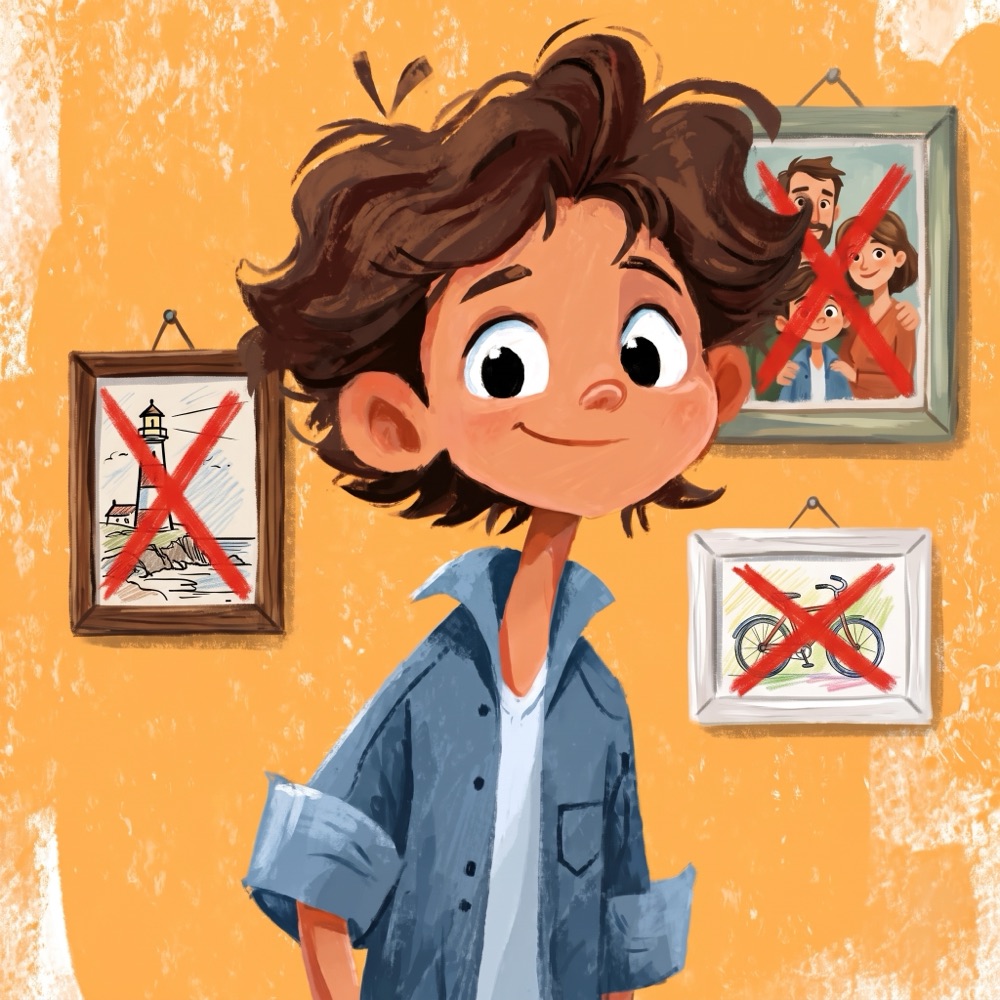
Stand against a plain wall
The tool cuts you away from your background on its own, but a clean wall keeps the edge of your hair sharp instead of ragged. A door, a fridge or a hung sheet all work.
Two
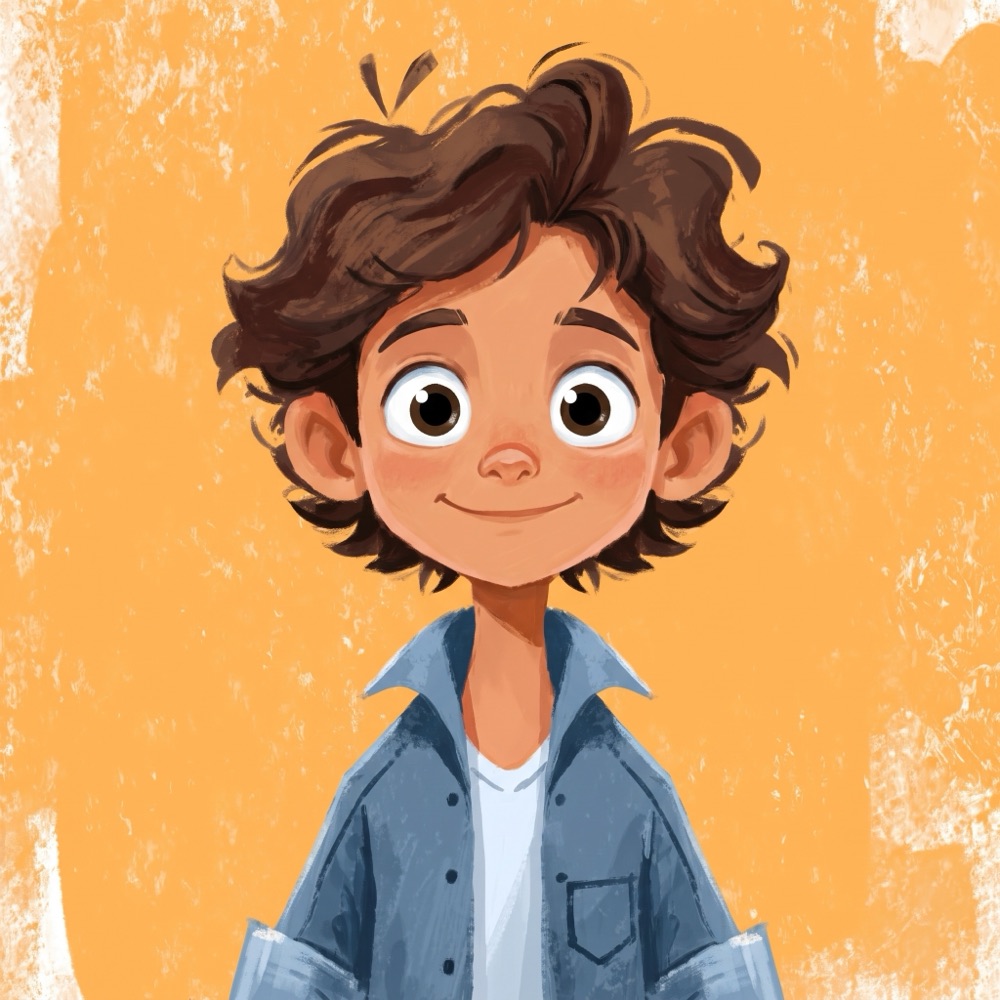
Straight on, shoulders up
Camera at eye height, face pointed at the lens. A pumpkin is round and roughly head sized, so anything wider than your shoulders gets thrown away in the next step anyway.
Three
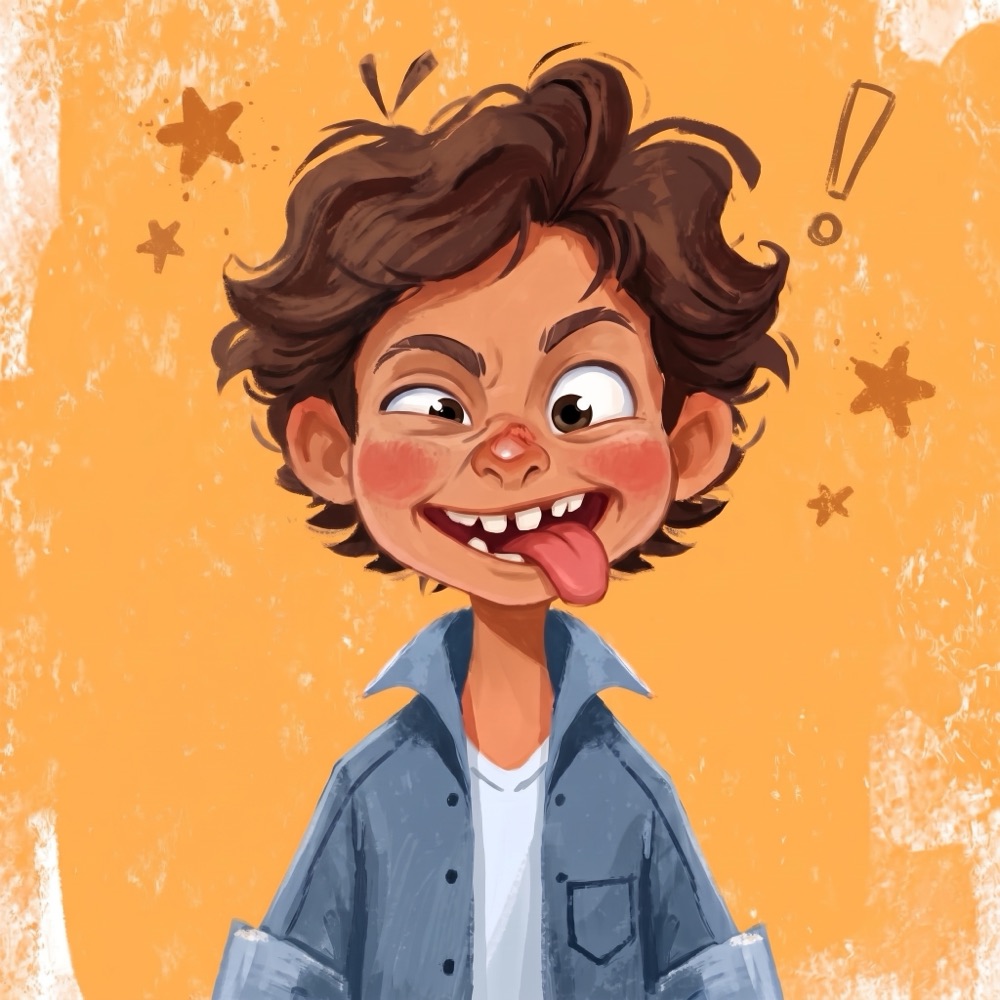
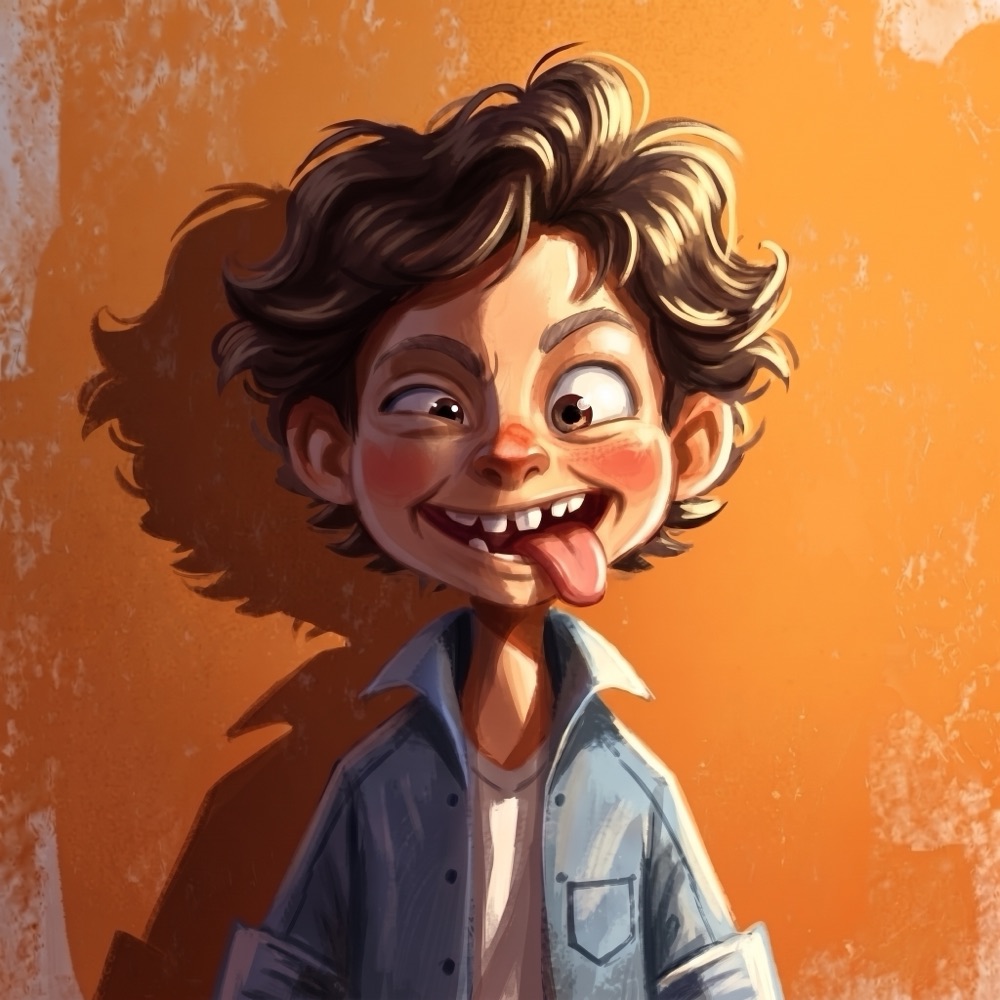
Make a ridiculous face
Whatever you do, do more of it. Eyebrows up, mouth wide. Small expressions disappear once the face is eight inches across and made of holes.
Four
Put the light to one side
Straight-on light flattens your face into one tone and there is nothing left to carve. A light about 45 degrees off to one side gives you a bright side, a mid side and a shadow, which is exactly the three depths you cut.
Step 2
Bring a photo.
Everything happens on your own device. Your photo is never uploaded. If you share a link to your pumpkin later, only the pumpkin picture goes online.
Drop a photo here, or click to choose one
Or scroll and pinch on the picture. Drag to move it.
Recommended. Turn it off if it takes a bite out of your hair.
The dotted ring is the safe edge. That band is always left uncut, because it is what holds the whole face together. Keep your chin and hair inside it.
Step 3
Carve it.
Drag the handles to decide what gets cut all the way through, what gets its skin scraped off, and what stays whole. The pumpkin lights up as you go.
Why some areas are light orange. They are scraped, not cut. Anything too thin to cut, or left floating, is scraped instead so nothing falls out.
Why some cuts fill back in. Anything too thin to cut is left whole. A floating piece gets a short strip to hold it, or is left out if a strip would be too long to hold, so nothing falls out.
How much of the bright part becomes an actual hole. These are the shapes that blaze, and the only ones that can drop a piece on the floor.
How much gets its skin peeled off and its flesh left behind. Glows dim, holds all the fine detail, and can never fall out.
Up for sharper eyes, teeth and texture. Down for bolder, simpler shapes that are quicker to carve. Anything too thin to cut is still caught either way.